


Create, find and edit technical documents
|
Trusted by Scientists and Engineers from Premier Institutions of the Republic of India

Expert AI mobile workspace
Your ideas, knowledge and work, connected.
Capture a thought, explore it in chat, then keep useful work in daily notes and projects. Expert AI brings conversation, organization and supported next steps together in one Android workspace.
Free to install. Available access, limits and plan details are shown in the app.

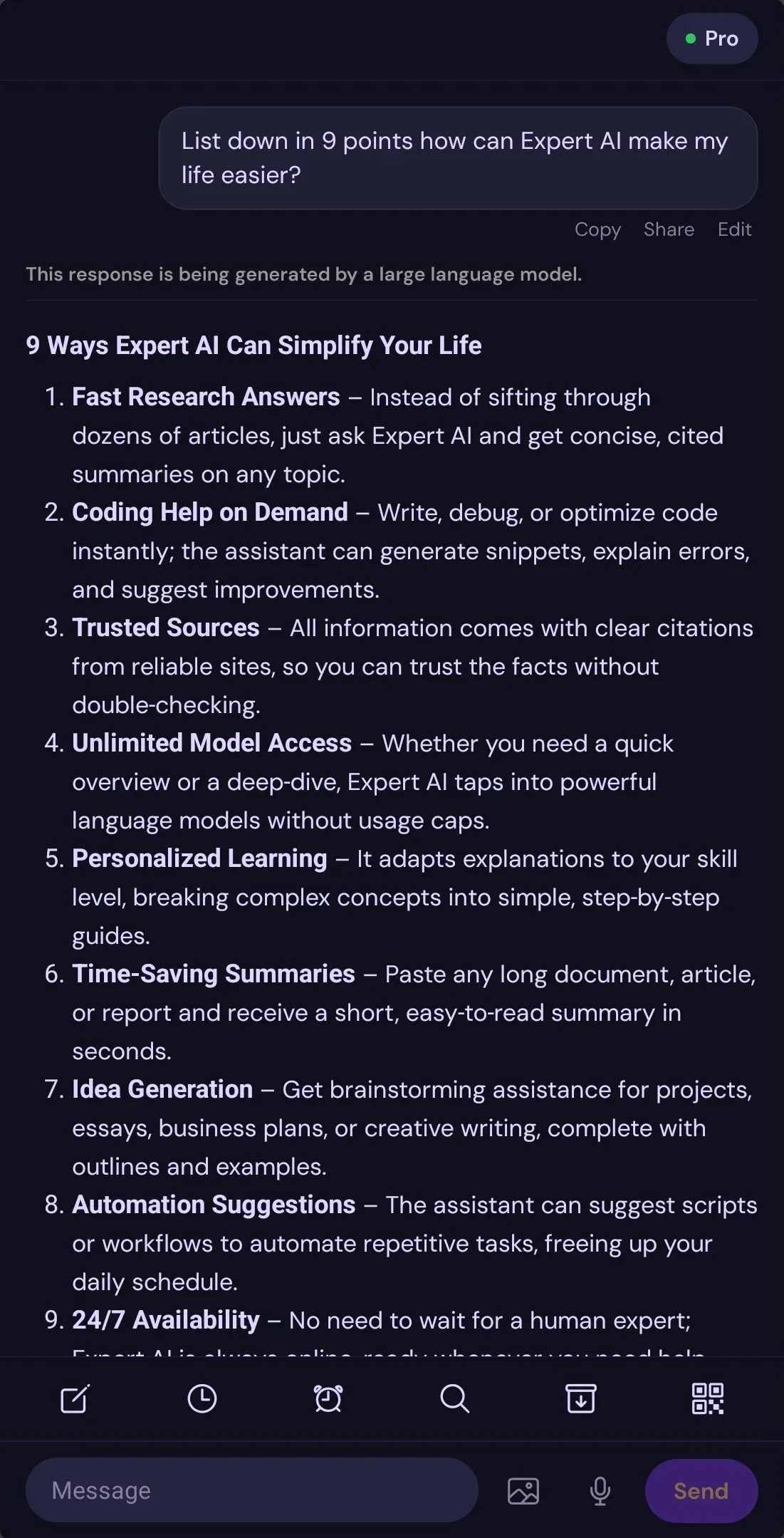
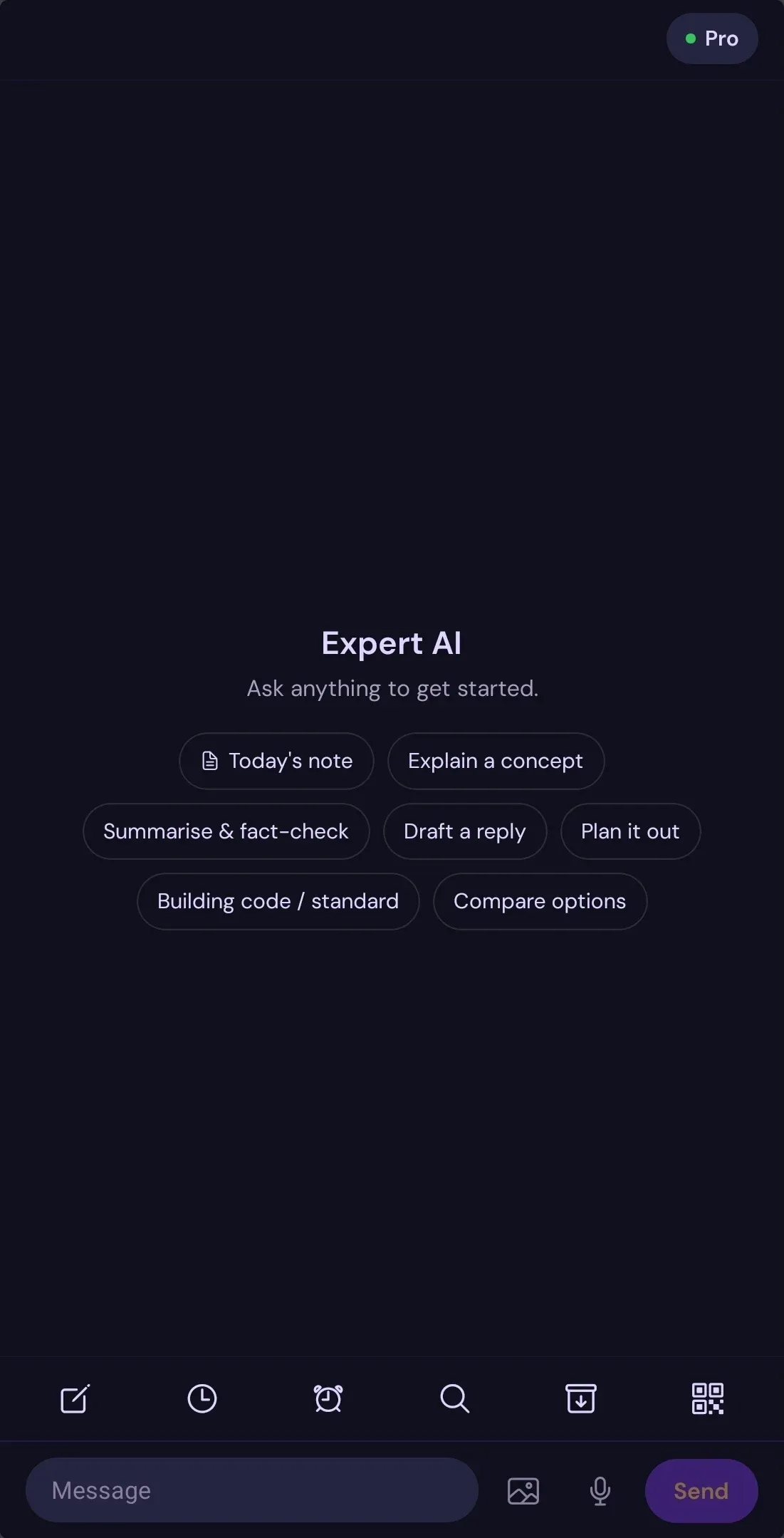
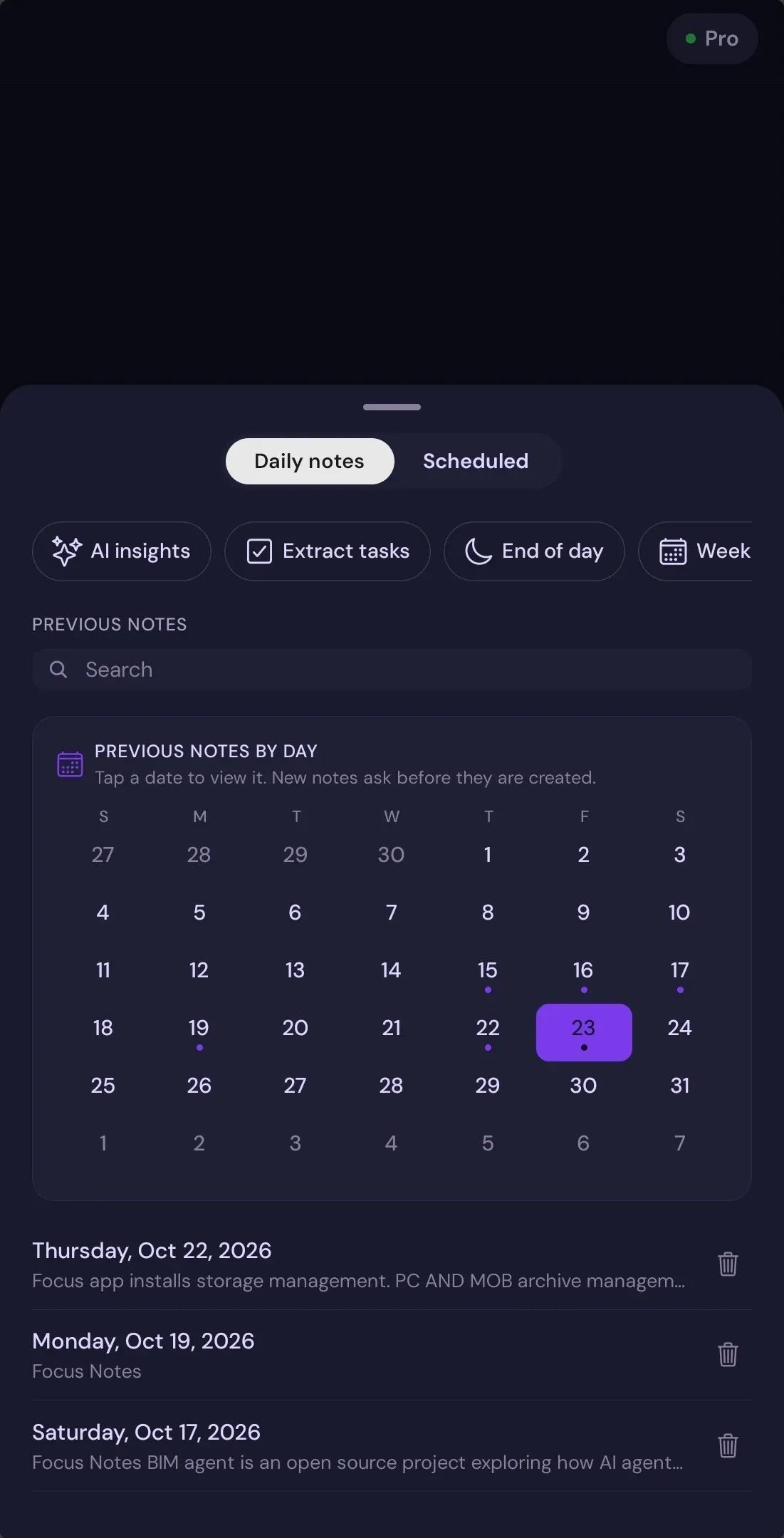
One useful daily loop
A conversation that can lead to a useful next step.
Start with a question, plan the day, revisit useful notes and documents, then continue supported work with a paired computer Agent. Each scene uses a real app screen.
Ask and explore
Start with the question in front of you.
Type or dictate a prompt. Bring in available web and knowledge tools when the answer needs more context, and keep the conversation close while you work it through.
Plan your day
Give useful ideas a place in your day.
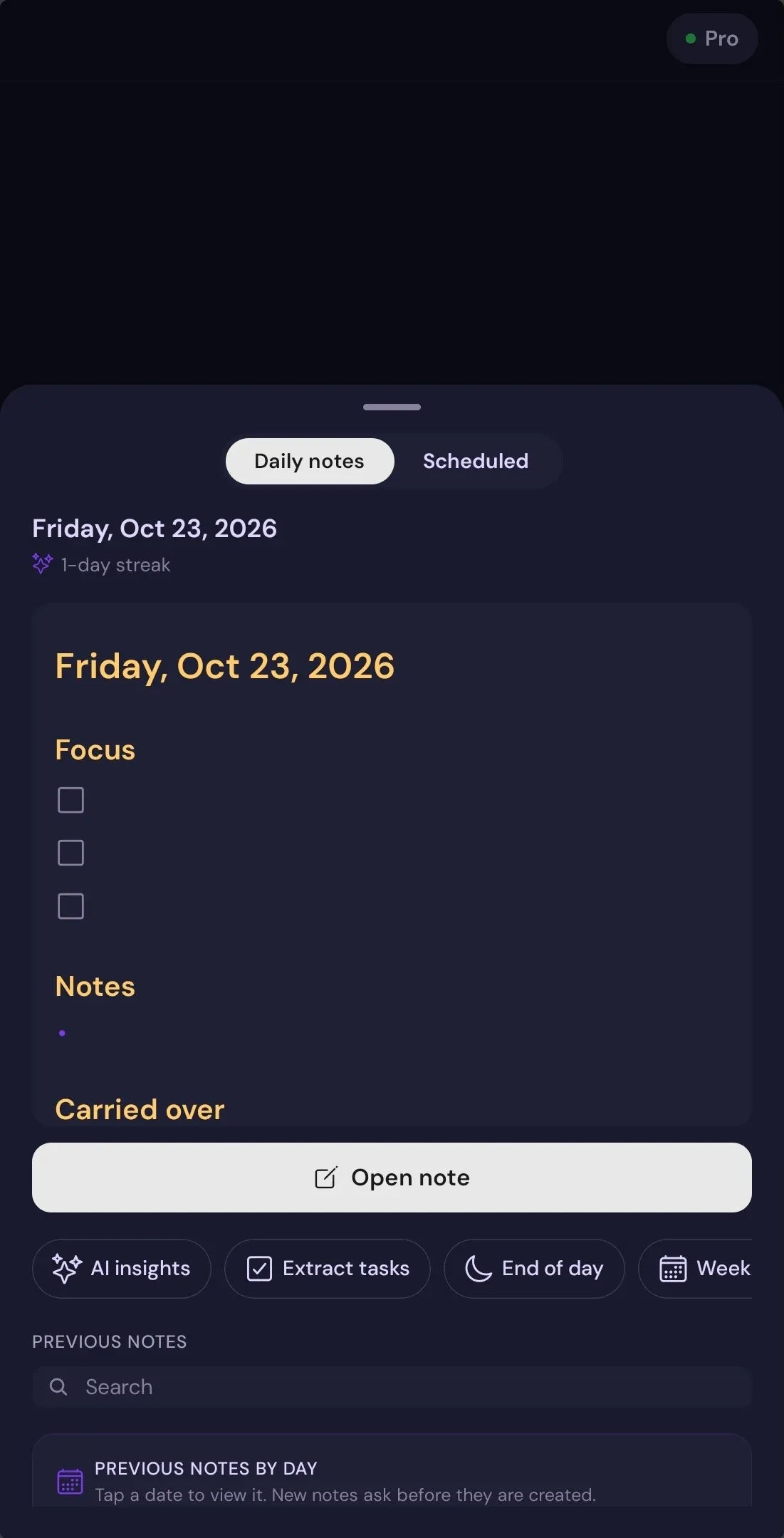
Use Daily Notes to see what is planned, revisit previous days and carry tasks forward. Scheduled reminders surface when you next open the app.
Write and refine
Turn a thought into a note you can return to.
Capture priorities, notes and carried-over tasks in the Daily Note editor. Edit the note as your thinking changes, then return to it from your workspace.
Revisit your Archive
Bring previous work back into view.
Open supported notes and shared repositories in Archive, then read and continue working with the material in context.
Keep project documents close
Find the work behind the conversation.
Keep project documents together, revisit earlier research and continue from the files connected to your work.
Continue on desktop
Take supported work to your computer.
Pair the mobile app with a compatible Expert AI Agent that is installed and running. Choose its workspace and permissions on your computer before continuing supported file or coding workflows.
Mobile meets desktop
A computer companion for work that needs a workspace.
Use mobile to start a supported file or coding workflow, then continue with Expert AI Agent on a compatible computer. Pairing, a running Agent, workspace selection and permissions are required.
- Install and run Expert AI Agent on Windows or macOS.
- Choose its workspace folder and permissions on your computer.
- Pair with the mobile app when both sides are ready.
Expert OS is a separate desktop workspace. Agent pairing requires a compatible Agent to be installed and running.
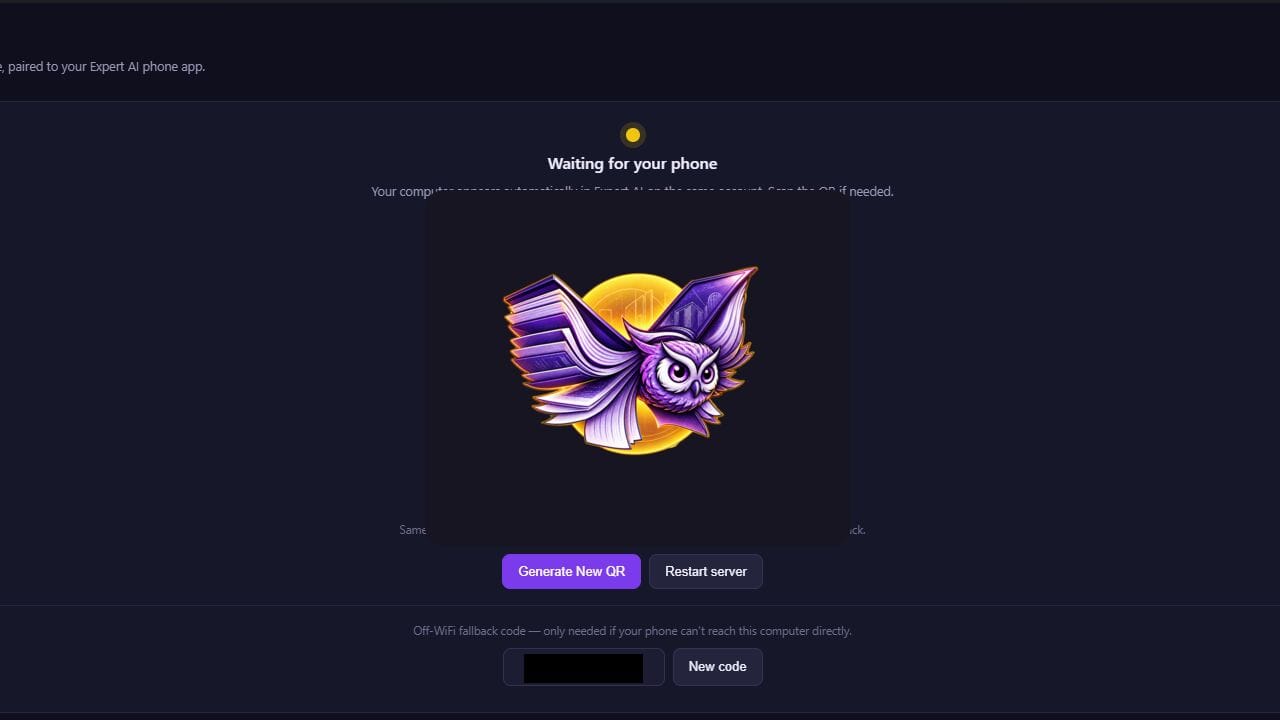
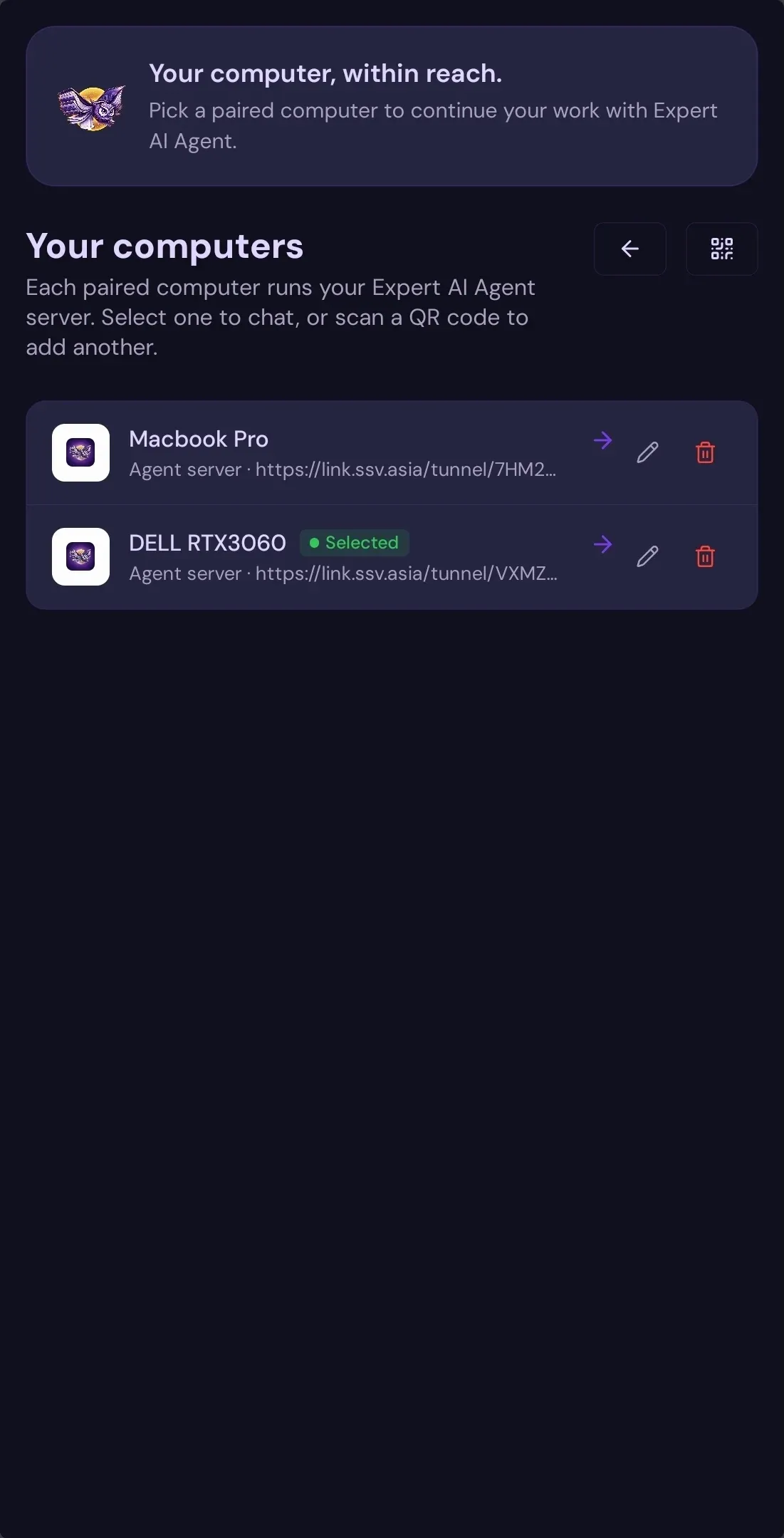
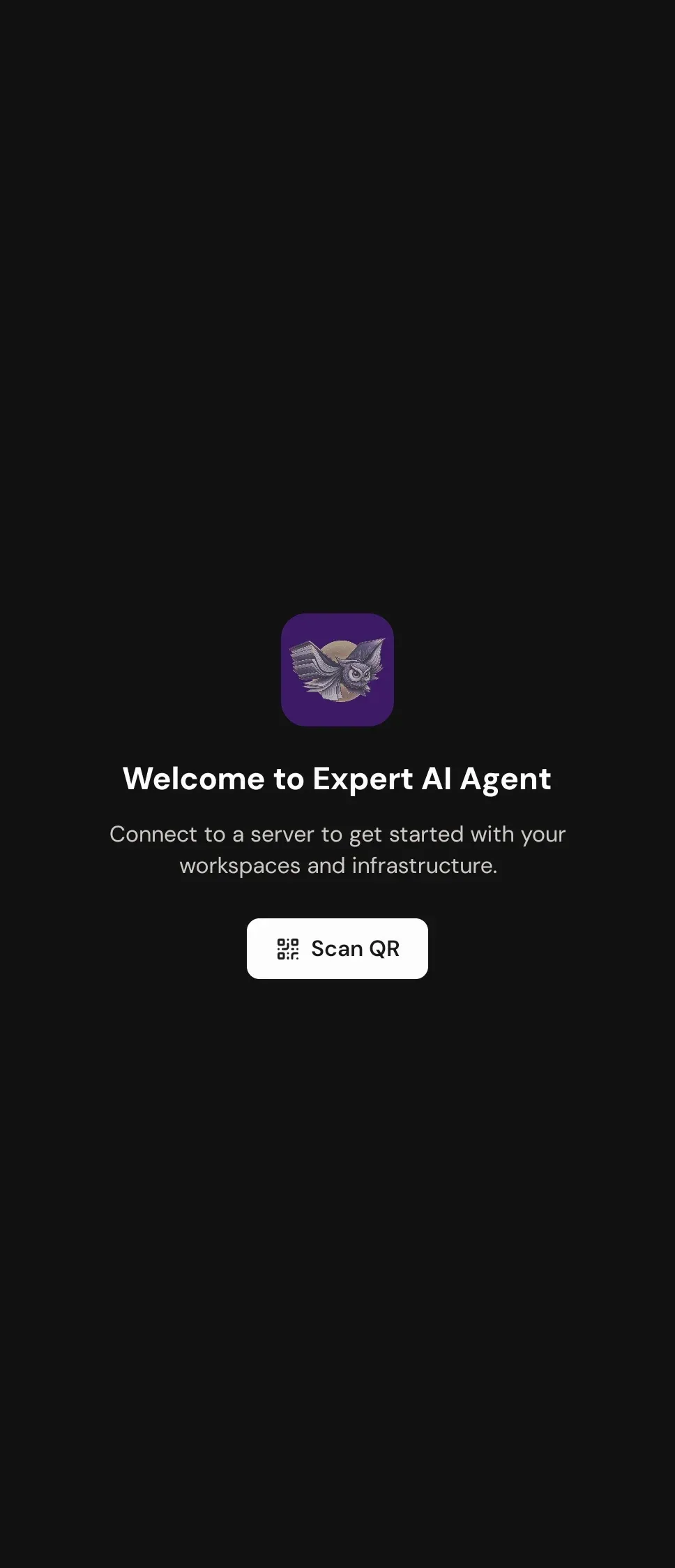
Pairing preview. The Agent runs on a compatible computer and uses the workspace and permissions selected there.
A workspace you can shape
Useful controls, close at hand.
Choose from the options available in your app. Configure tools, select a speech recognition mode, set your appearance and manage notifications.
Speak, type or add a photo
Capture a question with text or voice input. On-device image text recognition and labeling are available by default; sending the original image to a vision model is a separate choice.
Keep useful context
Use daily notes, projects and chat history saved locally on your device. Local history is separate from the prompts sent to Expert AI for responses.
Follow up when ready
Reminder-style tasks run when you open the app after the scheduled time. Computer workflows require a compatible Agent and setup.
Start with one question
Put Expert AI in your pocket.
Install the Android app and explore chat, voice input, notes, projects and supported computer workflows.
Free to install. Access, limits and paid plan details can vary. Prompts are sent to the Expert AI service and may be processed by enabled model, search or retrieval providers. Chat history is saved locally in the app. Read the privacy policy for processing and retention details.
A clearer way in
Start with a question.
Keep what you learn.
Expert AI is made for the full arc of a thought: ask, explore, save the useful parts, then continue on the device that suits the work.
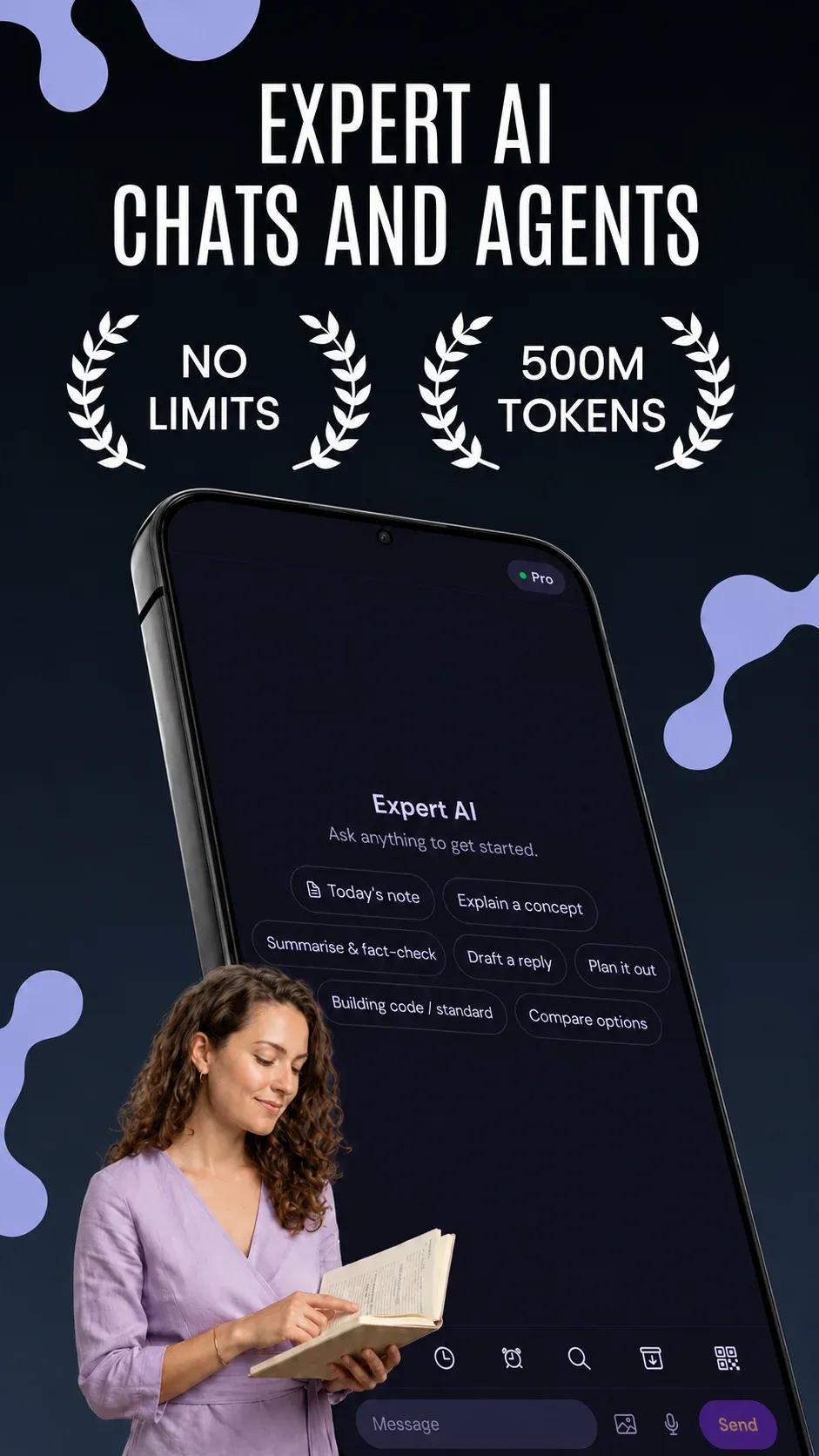
Expert AI · one idea at a time
Meet the thought while it is fresh.
Ask a question by typing or voice. Bring a photo or a document into the conversation when the idea needs more context. Start free on Android, without an account or card.
Let a good answer become useful context.
Keep discoveries close with notes, projects, and saved conversations. Your workspace is ready when you return to a topic instead of starting from zero.
Open a library of work, not only a chat.
Revisit supported notes and shared repositories in Archive. Open a file in context, explore it with Expert AI, and continue editing as your work develops.
Choose the right level of reasoning.
Start with GPT-6 Luna, add Haiku 5.5 for supported plans, or choose Sonnet 5.5 on higher plans. See plan availability and usage limits before you upgrade.
Keep the work behind your research close.
Revisit project documents and saved files alongside the conversation that created them. Use the Android app, or open app.ssv.asia from iPhone and other devices, to manage access and continue when you are away from your desktop.
Bring supported work to a computer.
Pair the Expert AI desktop Agent with your mobile workspace for compatible workflows. The Agent is included from Pro upward; Max and Founder add higher-tier desktop products.
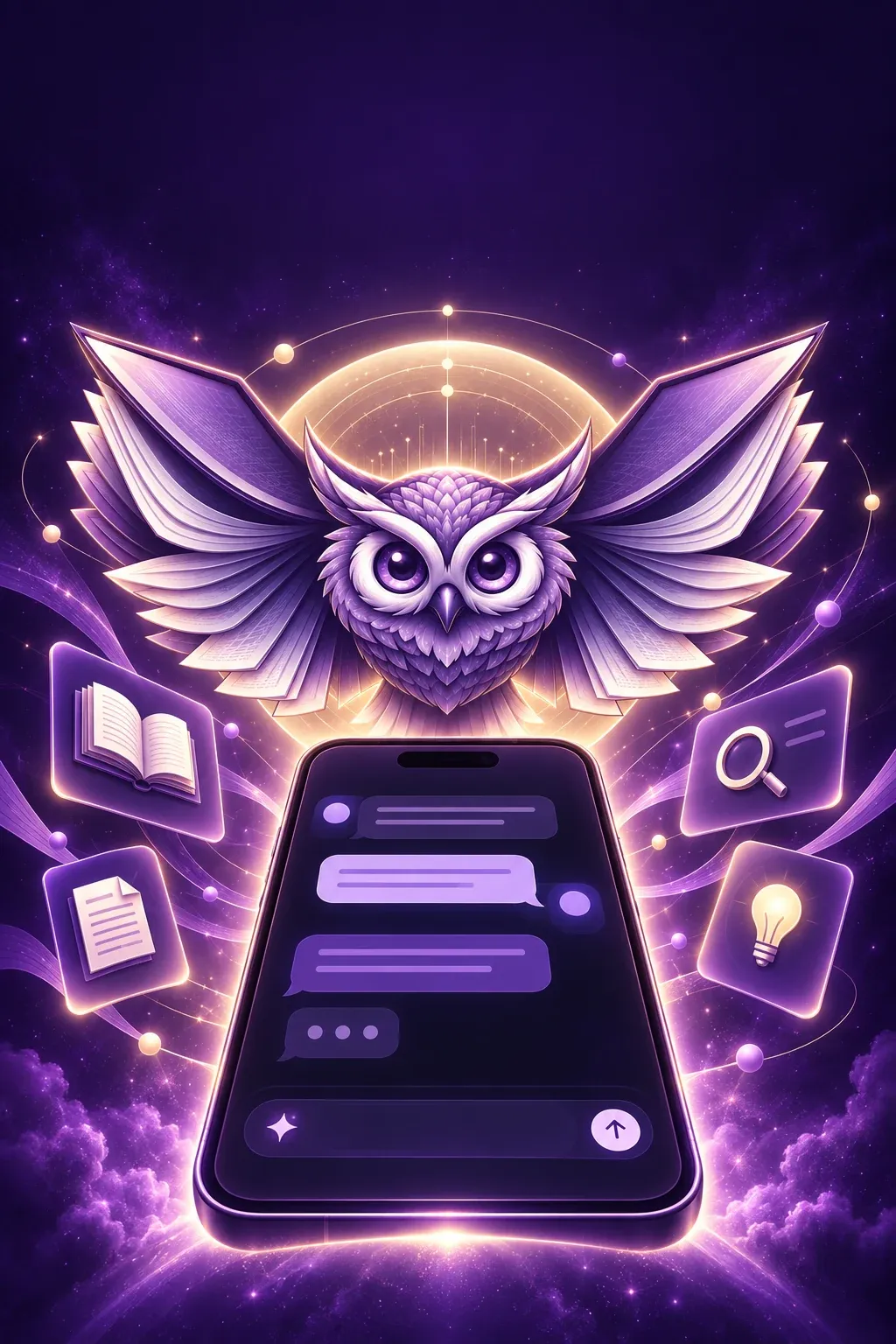
The app screens and campaign artwork above are from the Expert AI graphics set. Features depend on app version, permissions and plan access.
One workspace · distinct ways to think
A model for the
work in front of you.
Compare model access by plan. Choose GPT-6 Luna for quick everyday work, Haiku 5.5 for responsive reasoning, and Sonnet 5.5 when deeper work calls for it.
Model availability and usage limits vary by plan. Your dashboard shows the current options for your account.

Plans that grow with your work
Start free.
Upgrade for more.
Pick a plan for the models and companion apps you need. Compare current usage limits and renewal terms on your dashboard before you pay.

For a focused start
Essential
₹299 / month
or ₹100 / week
Models available
Haiku 5.5
IncludedExpert AI for Android
View EssentialFor work across screens
Pro
₹599 / month
or ₹200 / week
Models available
Haiku 5.5
IncludedAndroid · Agent · Terminal
View ProFor deeper workflows
Max
₹999 / month
or ₹333 / week
Models available
Haiku 5.5 · Sonnet 5.5
IncludedPro apps · Expert OS
View MaxFor the full suite
Founder
₹1,999 / month
or ₹666 / week
Models available
Haiku 5.5 · Sonnet 5.5
IncludedMax apps · Terminal Pro
View FounderIndia catalog prices shown for reference. Weekly plans renew only when you buy again. Monthly plans can be purchased once or set to auto-renew on the web; Android subscriptions are managed by Google Play. A 3-day Pro trial may be shown by Google Play if your account is eligible. Confirm price, access and billing terms in checkout.
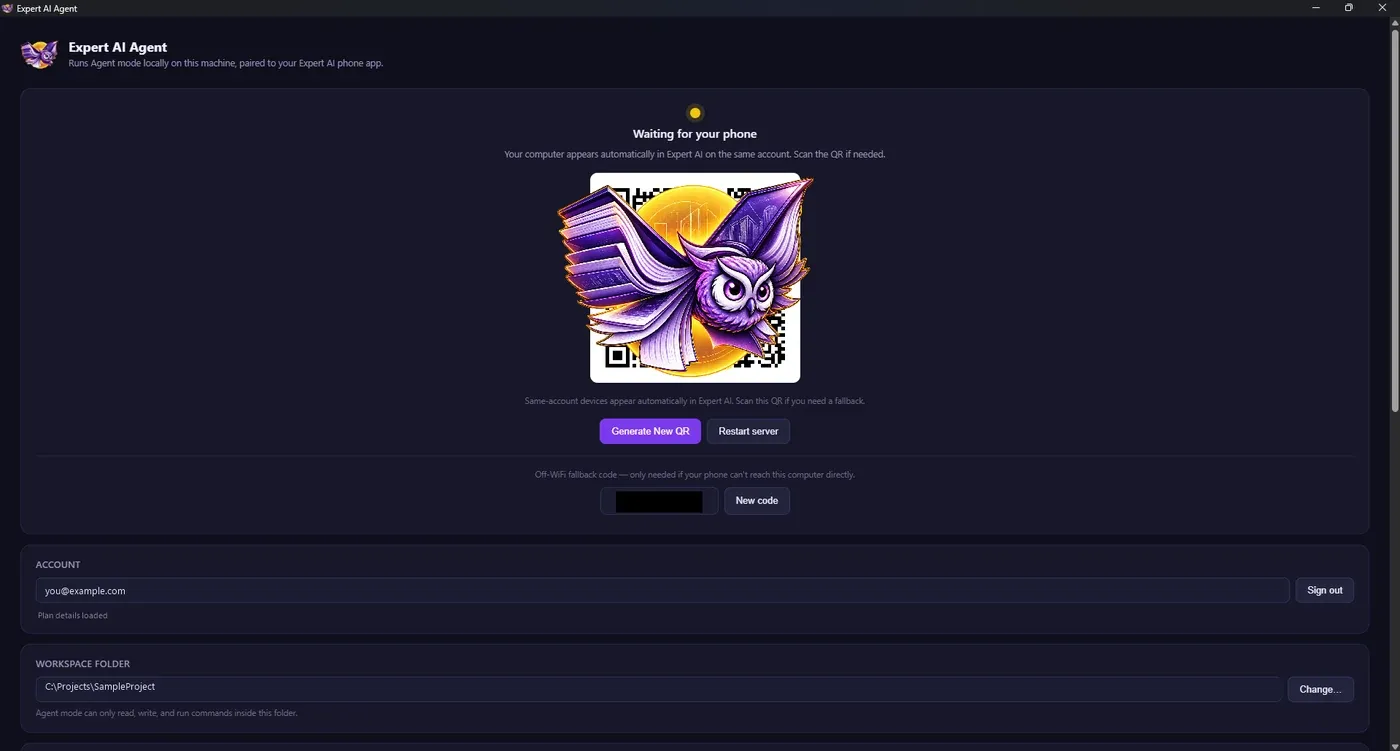
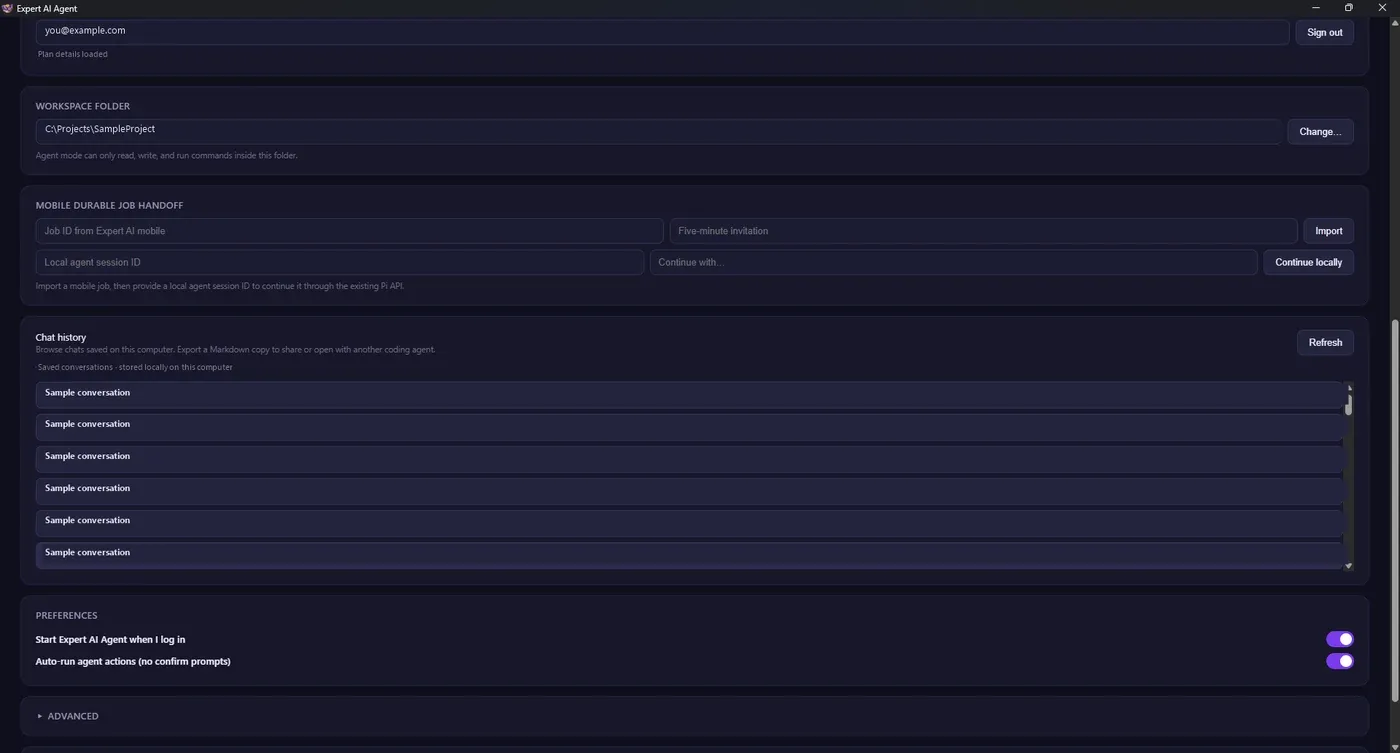
Expert AI Agent · desktop companion
A calmer bridge
to your computer.
Open the Agent on Windows or Mac, choose the workspace and permissions on that computer, then pair it with Expert AI mobile for supported tasks.
Agent access starts with Pro. Your dashboard confirms eligibility and the latest app builds.
Install the companion, create or sign into your account, and check your plan for desktop access.
Your first session, step by step
Free first.
Account when ready.
A free Android trial lets you try the experience immediately. An account gives you a place to review usage and available upgrades.
Try Expert AI
Install on Android and start with 30 AI questions per day. No account or card needed for this Android access.
Create a free account
Use email or Google sign-in from the account dashboard. No payment is needed to create an account.
Upgrade on your terms
Choose a monthly or weekly plan when you need more model access or a companion app. Read renewal details before confirming.
Android access, the web workspace, plan availability and model use can differ by device and region.
What can I use for free?
Android offers 30 AI questions per day without an account or card. On iPhone and other devices, use the web workspace and check the access shown there.
Which models are included?
GPT-6 Luna and Haiku 5.5 are available on the lower paid plans. Sonnet 5.5 is available with Max and Founder. See the dashboard for current access and usage limits.
Do plans renew automatically?
Weekly plans do not renew automatically. Web monthly plans can be set to auto-renew or purchased once. Android subscriptions use Google Play billing, which displays the renewal terms before you confirm.
What does the desktop Agent require?
Install and run it on a compatible Windows or Mac computer, choose its workspace and permissions there, then pair from the mobile app. Pro or higher is required for current Agent access.
One useful question is enough to begin
Try it free.
Decide what comes next.
Download the Android app, use the web workspace, or create your free account to see the paths available to you.